
· business development · 8 min read
Business Process Management System for Companies
A business process management system brings order to work, data, and task flow. See when it makes sense and how to implement it well.
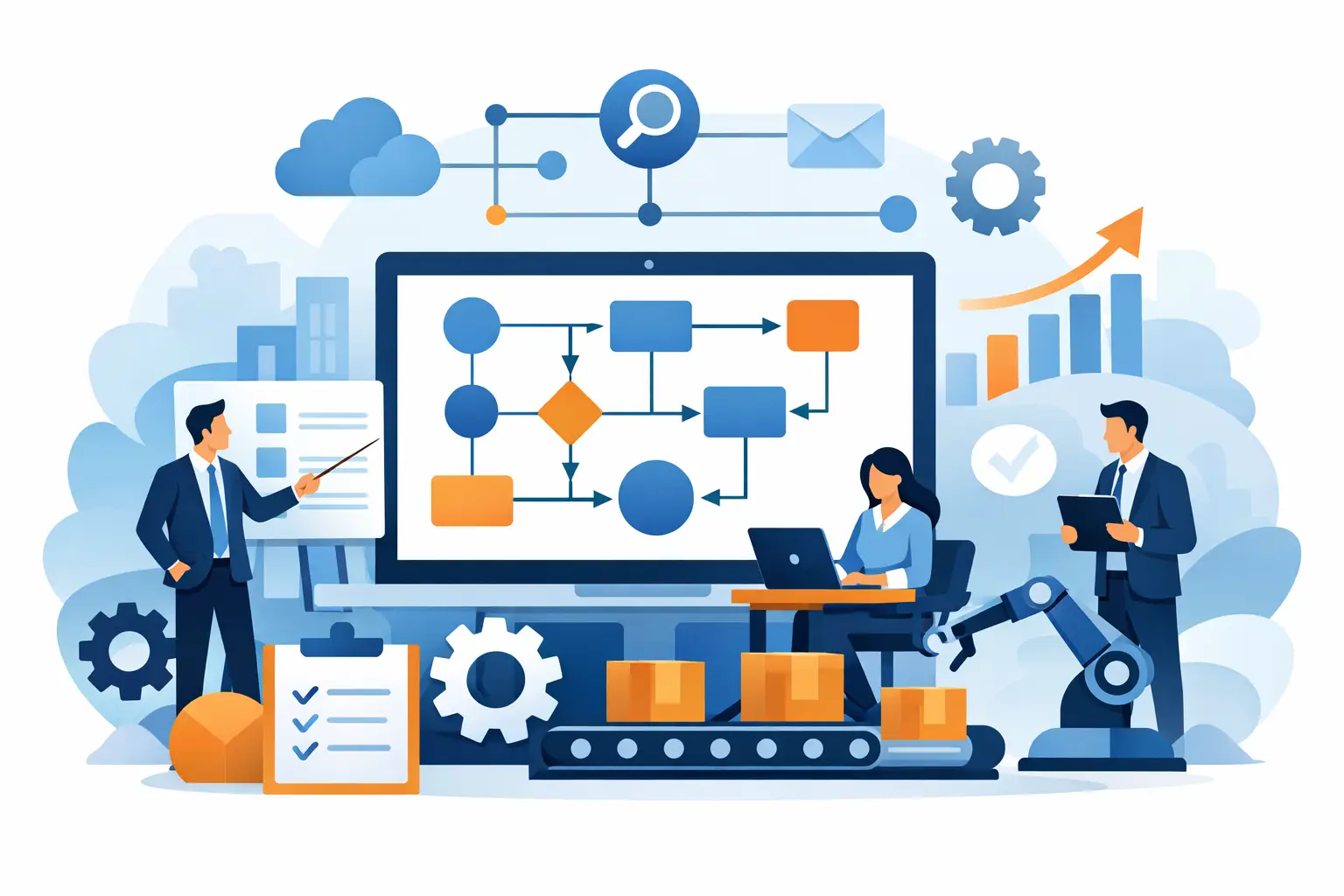
When a company reaches the point where one process lives in Excel, another in emails, a third in a chat app, and a fourth only in the manager’s head, the cost of disorder grows faster than the team. That’s exactly when a business process management system stops being an add-on and becomes an operational tool that restores control over day-to-day work.
But this isn’t about “rolling out a system” for its own sake. It’s about whether the company can organize the way it operates so that processes become measurable, repeatable, and scalable. That’s a big difference. You can buy yet another tool and keep putting out fires by hand. Or you can build an environment that genuinely reduces chaos, shortens handling time, and eliminates duplicated work.
What a business process management system really is
In practice it’s not just a task app or an electronic document flow. A good system organizes the entire course of work - from intake of a request, through decisions and approvals, all the way to reporting the result. It connects people, data, business rules, and automations in a single environment.
For management it means better control over what’s happening in the organization. For operations - less manual data re-entry and fewer questions like “what stage is this at?”. For sales, logistics, or customer service teams - shorter turnaround and lower risk of errors.
This matters, because many companies confuse a process system with a set of scattered tools. CRM, ERP, spreadsheets, forms, and chat apps can support the work, but they don’t necessarily create a coherent process. If every stage happens in a different place and the status of a case has to be confirmed by phone, the organization isn’t managing the process. It’s just trying to keep up.
When such a system makes sense
Not every company needs a dedicated solution right away. If the team is small, the processes simple, and the number of exceptions low, standard tools may be enough. The problem starts when the company grows - and the number of dependencies grows with it.
The most common warning sign is when the same process looks different depending on the person, department, or client. The second sign is the lack of a single source of truth. Order data is in one place, fulfillment status in another, documents in a third. The third is manual work that should have disappeared long ago - copying data, reminding people about deadlines, chasing approvals, or preparing reports for a meeting.
In these conditions a business process management system adds value not because it’s “modern”, but because it organizes responsibility and the flow of information. This is especially important in companies in e-commerce, B2B, logistics, transport, and operational services, where a process passes through many hands and systems.
What it should solve, not just display
Many tools look great in a demo, but a month later it turns out they’re just another layer to operate. A system should take work off the team, not add new administrative duties.
That’s why it’s worth looking at it through the lens of concrete problems. Does it reduce the number of errors from manual data entry? Does it automatically pass a case to the next stage? Does it watch SLAs, deadlines, and missing documents? Does it let a manager see bottlenecks without asking the team for manual summaries?
If the answer is no, the company is most likely buying an interface, not an operational solution.
A business process management system vs. off-the-shelf SaaS
This is the moment to ask a few uncomfortable questions. Can the current tools be sensibly connected? Is the process standard enough to fit an off-the-shelf product? Does the company accept the limits on workflow, roles, integrations, and reporting?
Off-the-shelf platforms have their place. They’re faster to deploy and cheaper at the start. They work well where the process is fairly typical and the organization doesn’t need many exceptions. The problem appears when it’s the company that starts adapting its operations to the tool, instead of the other way around.
In growing organizations the cost of that compromise can be greater than the cost of a dedicated solution. The team builds workarounds, stores information outside the system, falls back to spreadsheets and manual checks. Formally, the system is deployed. Operationally, the chaos remains.
That’s why the decision shouldn’t be: off-the-shelf or custom? A better question is: what blocks scaling the most today, and will a standard tool actually solve that problem.
What a sensible implementation looks like
The worst scenario is starting from screens and features without understanding the process. First you have to establish how the organization really works, where delays arise, who makes decisions, and which data is critical.
A good implementation usually starts with an analysis of the process “as is”, meaning its current state. Only then do you design the target model. At this stage it often turns out that the problem isn’t a missing button, but unclear roles, redundant steps, or duplicated activities between departments.
The next step is setting priorities. Not everything has to be digitized at once. Sometimes the biggest impact comes from organizing one critical process, for example order handling, complaints, quotes, document flow, or transport planning. That’s more sensible than building a large system that tries to cover the whole company from day one.
Only on that basis do you design the operating logic, user roles, views, automations and integrations. In practice, what matters isn’t only what the system can do, but also how quickly the team learns to use it. If the solution is too complicated, adoption drops - and with it the value of the implementation.
Which features to actually look for
A feature list on its own says little. What matters more is whether it answers real operational needs. In most cases what counts is: a clear process flow, case statuses, automatic task handoff, approval rules, an activity history, reporting, and integration with other systems.
For some companies permissions and change auditing will also be key, especially where the process involves finance, documents, or sensitive data. For others, flexibility will matter more - the ability to add new stages, conditions, and exceptions without rebuilding the whole solution.
At Arlemi such a system is usually treated not as a single application, but as part of a larger operational environment. That approach makes sense where a process doesn’t end at one form, but touches many teams, data sources, and management metrics.
The most common mistakes on the company’s side
The first is trying to digitize a mess without first organizing the process. A system won’t fix bad operating logic. At best it will speed up the errors.
The second mistake is starting too broad. When an organization tries to cover everything in one project at once, the risk of delays, decision overload, and losing focus on the business outcome grows. It’s better to start with a process whose improvement can be measured.
The third mistake is the lack of an owner on the business side. If the project is “an IT thing” rather than an operational one, the system quickly drifts away from users’ real needs. The process owner has to be involved from the start, because they’re the one who knows where the system should help and where it must not get in the way.
The fourth problem is ignoring the post-implementation phase. Processes change. The company enters new channels, the number of clients grows, new exceptions and reporting requirements appear. If the system isn’t developed further, over time the workarounds start coming back.
How to figure out whether it pays off
You don’t always have to build a complex ROI model to make a good decision. In many companies it’s enough to count a few simple things: how many hours per month the team loses on manual work, how much errors cost, how many cases are delayed for lack of information, and how long a process takes from start to finish.
On top of that comes the cost of managerial blindness. If managers make decisions based on incomplete data or wait for manual reports, the company reacts later than it should. You often won’t see this in the first spreadsheet, but operationally it’s a very real loss.
It’s also worth looking wider than just time savings. A well-designed system increases predictability, organizes responsibility, and gives a better base for scaling. This is especially important when a company grows faster than its operational backbone.
Not every company needs the same thing
One organization mainly needs control over its order flow. Another wants to connect sales, fulfillment, and invoicing. Yet another has to get a grip on the flow of data between departments and external systems. That’s why the question shouldn’t be “which system should we choose?”, but “which operational problem should stop existing?”.
That changes the perspective. Instead of looking for the tool with the longest feature list, the company starts designing a solution around its own processes, constraints, and goals. And that usually leads to better decisions than buying yet another system just because a competitor rolled something out too.
If your processes today run mainly thanks to people’s memory, notes in spreadsheets, and constant chasing of topics, that’s not a disaster yet - but it’s a clear sign that the current model has its limit. The sooner a company starts organizing the way it operates, the less it will pay for its own growth.